
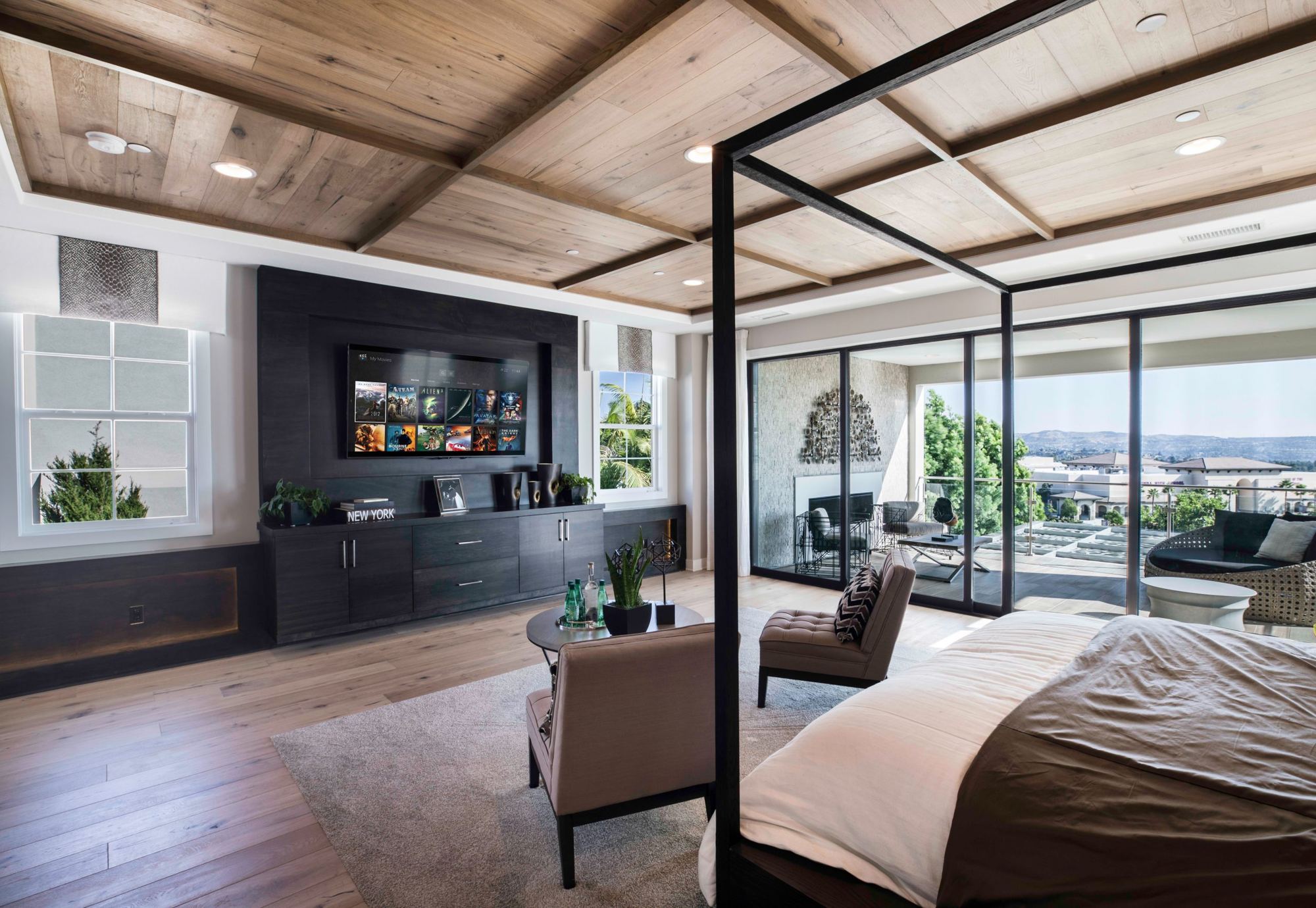
Control4 home automation made simple
A home that's easy to live in
Control4 becomes the brain of your home. An app, a screen or a remote, and everything responds.
What Control4 changes at home
Control4 brings your systems together in a simple, friendly interface, custom-built by the Adom team. In the evening, one button closes the shades, dims the lights and starts your playlist. On your way out, another turns everything off and locks the door.
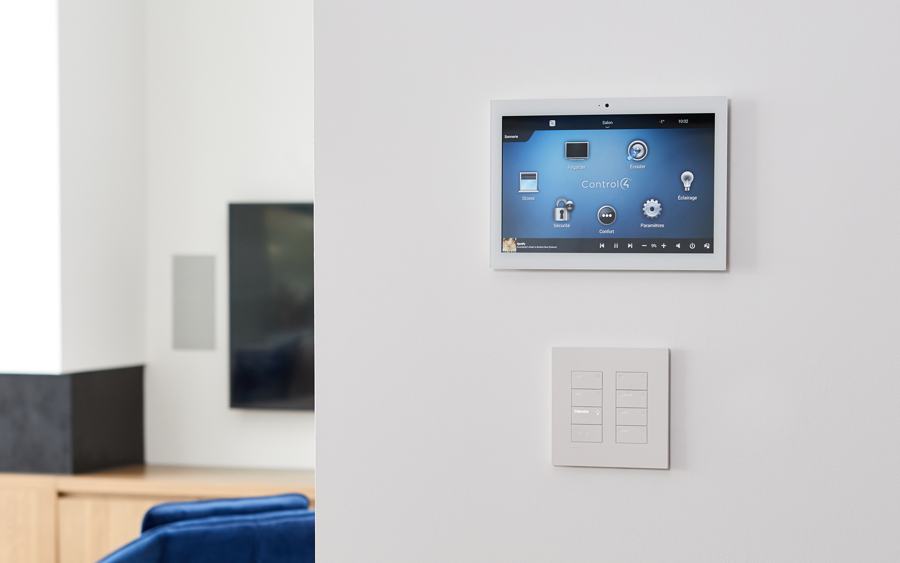
- Many ways to control: wall or tabletop touch screens, iPhone, iPad, Android or a remote.
- Music everywhere, full blast through the whole house or softly in the kitchen, in high resolution.
- TVs and home theater, with one remote for every source.
- Video intercom: when someone rings, you can talk to them, unlock the door or open the gate from the app, even from the other side of the world.
- Comfort: temperature, door locks, pool and spa, patio heaters, depending on what you have at home.
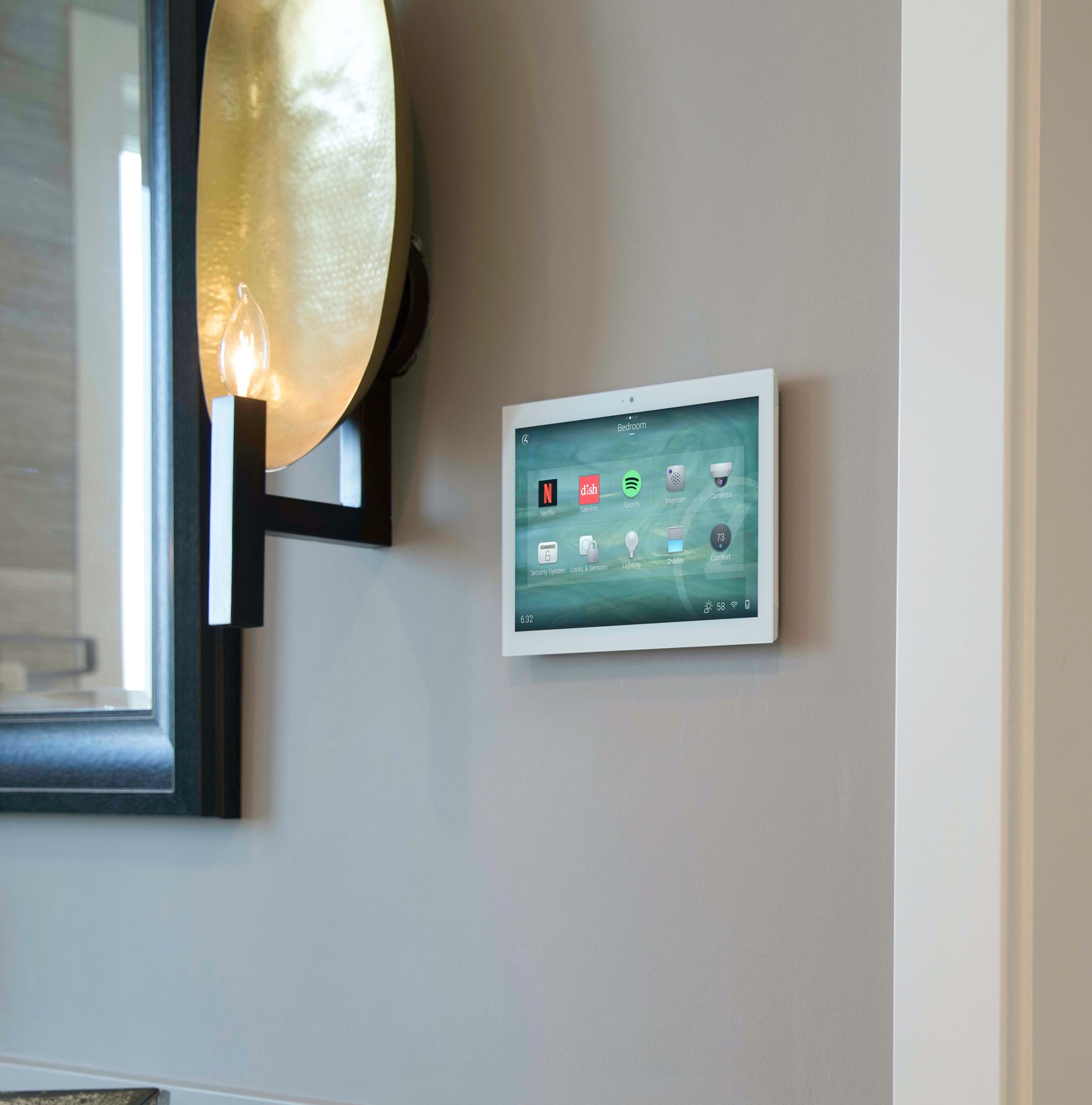
Keypads and screens that do more
With Control4, a keypad isn't just for lighting. A button can start the music, turn up the volume or shut down the theater. Fewer plates on the wall, more simplicity.
Control4 touch screens are always ready: no tablet to unlock, no connection to wait for. They also work as an intercom with other screens and with the front door. For lighting and shades, we often pair Control4 with Lutron and its Palladiom keypads, as at The Summit in Mansonville.
When we recommend Control4
- for a family home where everyone needs to find their way easily, from kids to grandparents;
- for a cottage or second home you want to monitor and control remotely, for example in the Eastern Townships;
- when you want music, TVs, lighting and shades in the same app;
- when you'd like to start with a few rooms and add features over time.
For a very large residence or a fully custom interface, we'll also look at Crestron. Either way, the idea is the same: one app to control it all, on a solid Wi-Fi network.
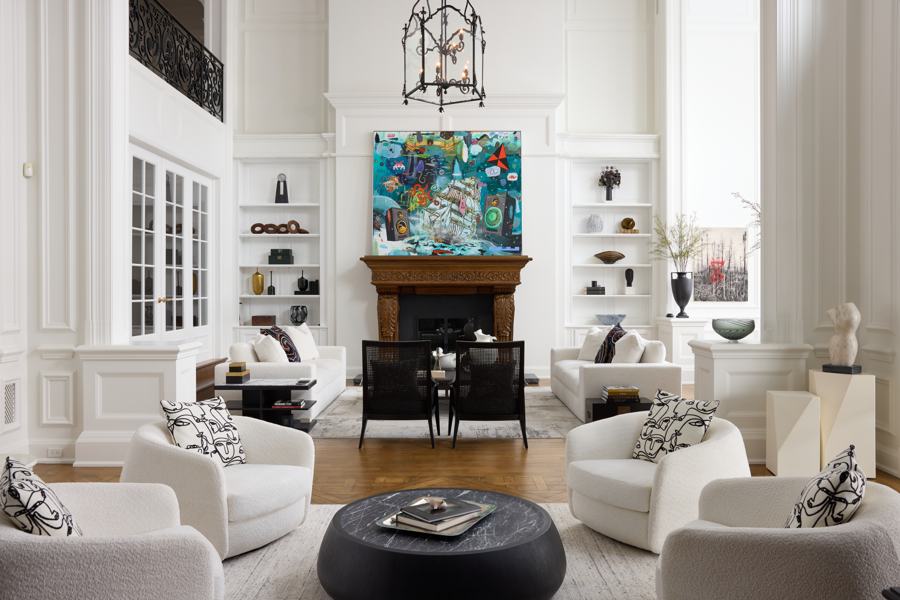 The Domain
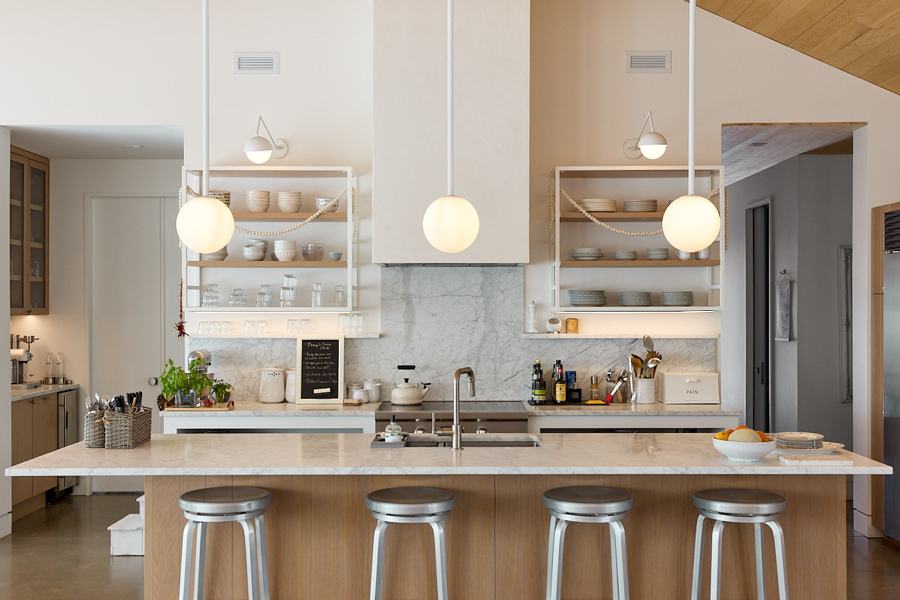 The Summit
 The Oasis
 The Peaceful
 The Ranch
 The River
Frequently asked questions
Why a Control4 screen instead of an iPad on the wall?
A Control4 screen is always ready: no unlocking, no reconnecting. It also works as an intercom with other screens and with the front door.
Does Control4 work with Lutron and Sonos?
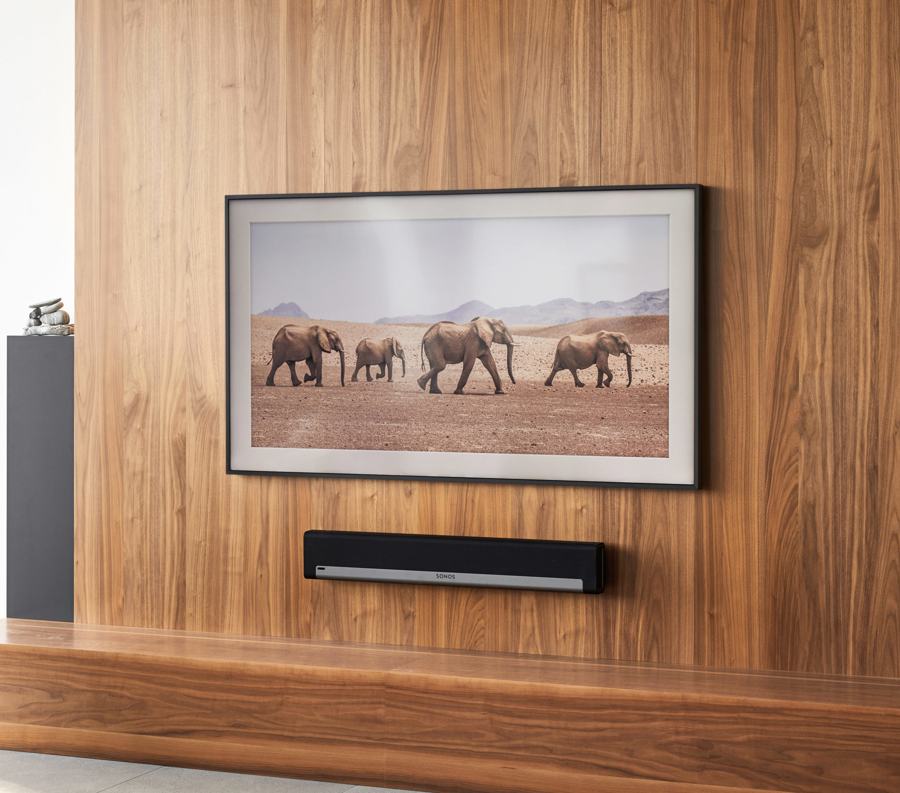
Yes. We often pair Control4 with Lutron lighting and shades and Sonos music. Everything ends up in the same app.
Can I add rooms later?
Yes. Control4 grows with your home. You can start with a few rooms and add music, more screens or other features later.
Can I control my home remotely?
Yes, from the Control4 app on your phone: lighting, shades, temperature and the door intercom, wherever you are.
My Control4 integrator disappeared. Can you help?
Yes. We have your system transferred to Adom, sometimes with a visit to your home to recover access, and take over its support. See how we take over a system.
Want a home that's easy to live in?
New build or renovation, tell us what you have in mind. Someone from our team will call you back.